Up to 50% OFF
Variations
When you select a layout, the Presentation Builder The Presentation Builder lets you generate or edit AI text, add slides, adjust theme colors, and download your PowerPoint file (works in Google Slides). opens so you can customize the slide and download your PowerPoint file. Watch tutorial
Download the PNG image from PresenterMedia. In PowerPoint, go to Insert → Pictures → This Device, and select the clipart file. You can resize or move it anywhere on the slide.
Yes. Upload the PNG file to your Google Drive, then insert it in Google Slides by going to Insert → Image → Drive. Adjust the size and position as needed.
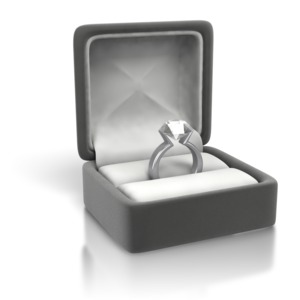
Yes. Many PresenterMedia clipart images are editable. Use the built-in clipart variations customizer or the advanced settings to change colors before downloading the image to match your theme.
PNG is recommended for clipart because it supports transparency and maintains image quality. It works well in PowerPoint, Google Slides, and most other apps.
Yes. With an active PresenterMedia subscription, you can use downloaded clipart commercially in presentations, marketing materials, and client projects. See our License Agreement for more information.
This clipart image may be included in our free clipart section. We offer a limited selection of clipart for free so you can try them and see if they fit your design workflow. Visit the Presentation Clipart page and find free clipart graphics marked with a green arrow in the top-right corner of each preview thumbnail.
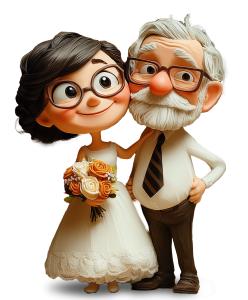
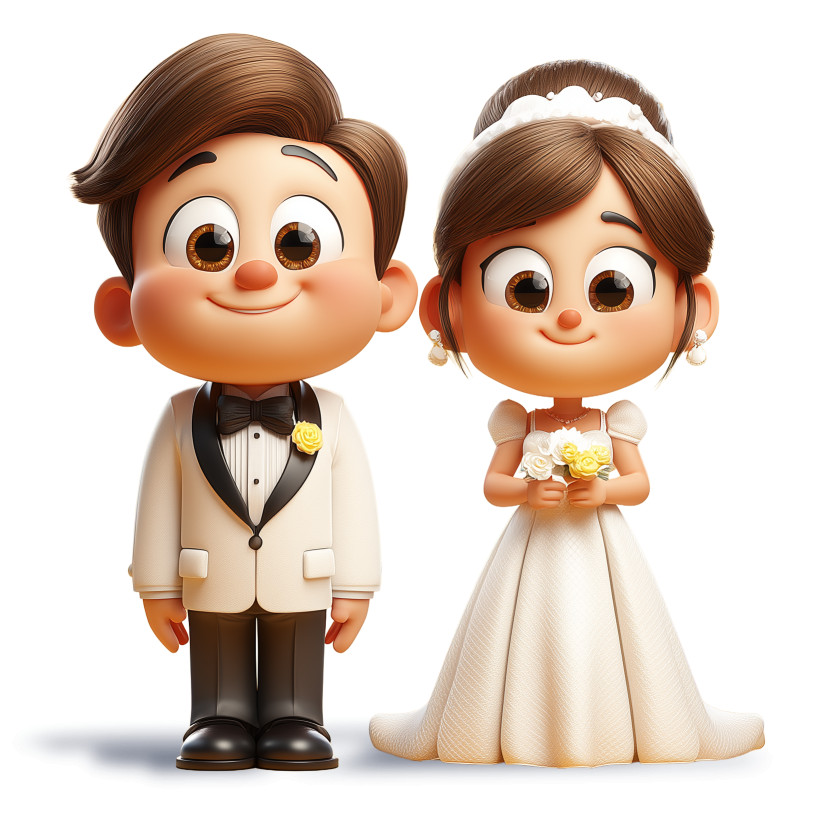
This delightful cartoon wedding couple presentation clipart captures the essence of love and celebration, making it perfect for various occasions such as weddings, anniversaries, or romantic events. The charming characters, dressed in elegant wedding attire, radiate joy and happiness, symbolizing the union of two hearts. This PNG image with a transparent background allows for easy integration into your slides, ensuring that your presentation maintains a polished and professional look while conveying heartfelt emotions.
Adding this presentation clipart to a slide in one of our PowerPoint templates can create a cohesive visual theme that resonates with your audience. Explore more options in our Presentation Clipart collection to find the perfect images that complement your message and enhance your storytelling.
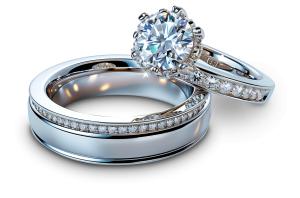
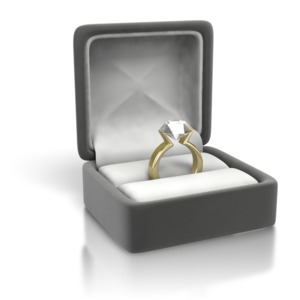
💍 “Tie the knot” — get married.
💍 “Match made in heaven” — a perfect couple.
💍 “Happily ever after” — joyful married life.
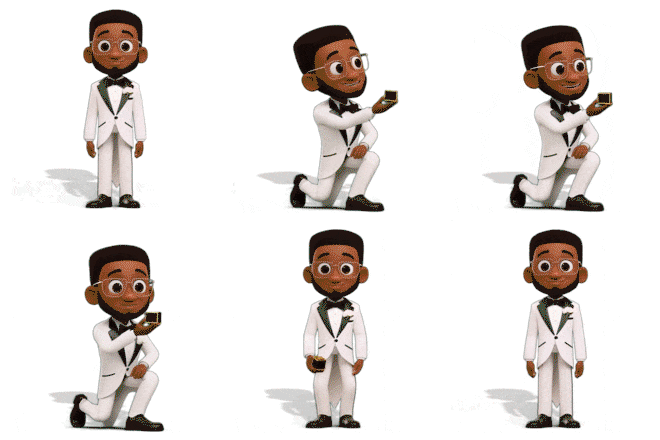
Incorporating this PNG presentation image into a presentation slide in one of our PowerPoint templates can enhance the visual theme, making your message about love and celebration more impactful. The charming depiction of the cartoon wedding couple adds a personal touch that resonates with audiences, ensuring your presentation is memorable.
To insert the clipart into both PowerPoint and Google Slides, follow these simple steps: First, download the PNG image to your device. In PowerPoint, go to the slide where you want to add the clipart, click on "Insert," then "Pictures," and select the downloaded image. For Google Slides, click on "Insert," then "Image," and choose "Upload from computer." The benefits of using transparent background PNG images include seamless integration and a clean look. This is how to use PNG images in PowerPoint and insert PNG images in Google Slides effectively.
wedding, bride, groom, marriage, couple, love, vows, ceremony, romance, celebration
Similar Templates and Designs
© 2009-2025 Eclipse Digital Imaging, Inc.
Quality PowerPoint Templates, Animations, videos, and 3D Clipart.
PowerPoint® is a registered trademark
of Microsoft Corporation.