Up to 50% OFF
Variations
When you select a layout, the Presentation Builder The Presentation Builder lets you generate or edit AI text, add slides, adjust theme colors, and download your PowerPoint file (works in Google Slides). opens so you can customize the slide and download your PowerPoint file. Watch tutorial
PowerPoint backgrounds are high-quality images you place behind your slide content to instantly theme a presentation for business, education, seasonal topics, and more.
Open Design → Format Background. Choose Picture or texture fill, click Insert to select your image, then choose Apply (current slide) or Apply to All for the whole deck. For default backgrounds on new slides, edit the Slide Master under View.
Yes. In Google Slides, go to Background → Choose image to set it for the current slide or theme. You can also insert the file as a regular image and position it behind content.
Backgrounds download as PNG or JPEG images in multiple sizes (including high-resolution).
Yes, browse a selection of free PowerPoint backgrounds with no sign-up required, or unlock the full library with a membership.
Absolutely. Apply any background to our professional templates to create a cohesive theme across your deck in minutes. Browes our PowerPoint templates to see all themes you could add a PowerPoint background to.
Use sufficient contrast (dark text on light areas or vice versa), add a semi-transparent overlay, and keep busy details away from titles and charts. Adjust image transparency in the Format Background pane if needed.
Yes. Members get unlimited downloads from the full background collection.
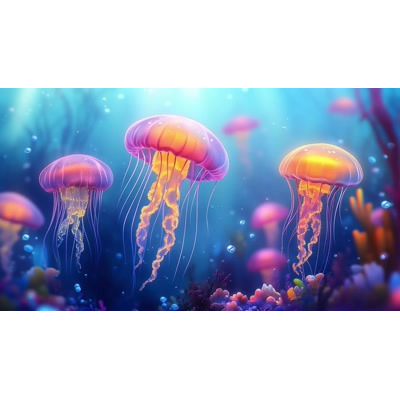
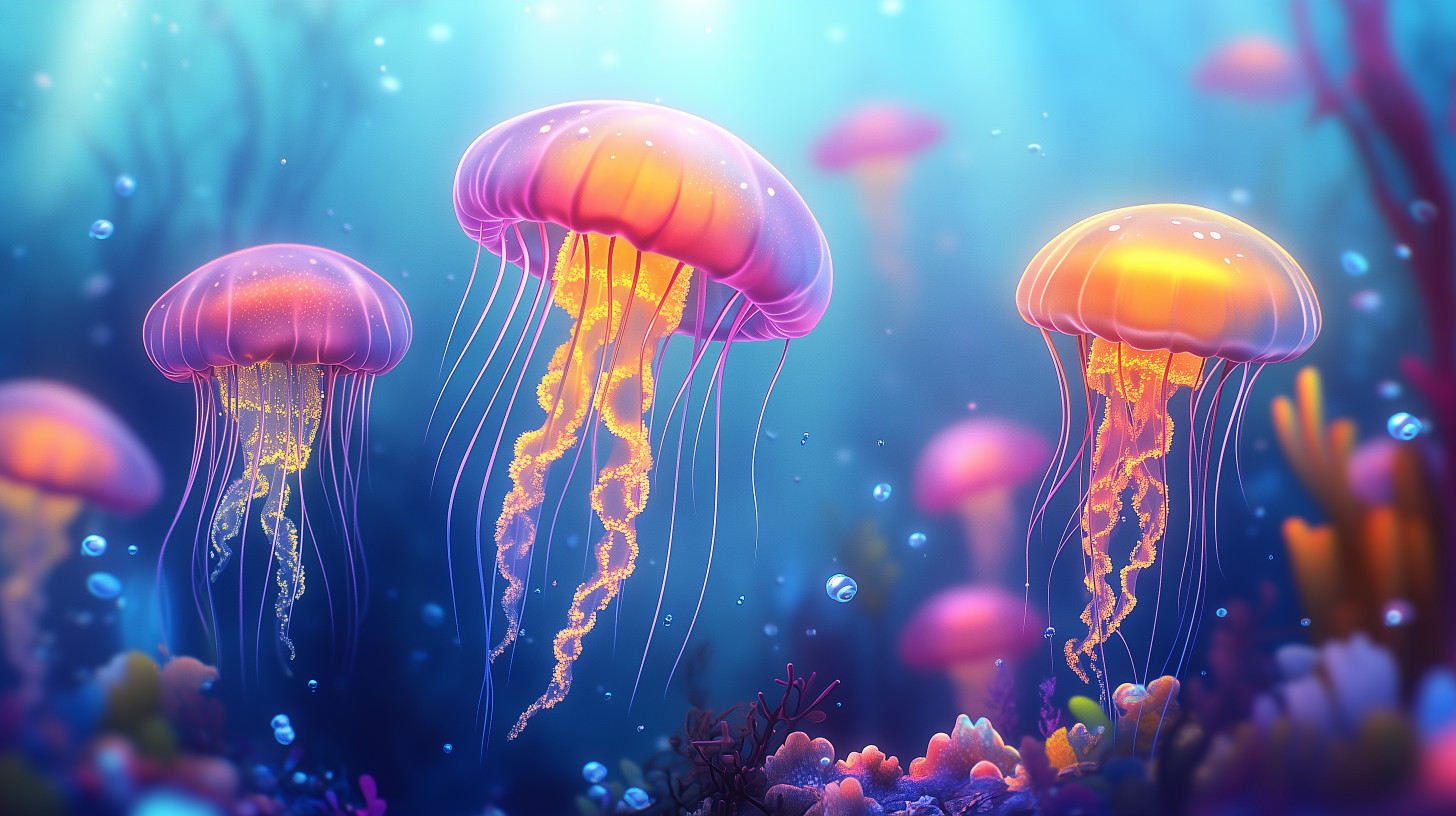
This vibrant PowerPoint background features a captivating underwater scene showcasing several jellyfish gracefully floating through a serene ocean environment. The jellyfish, with their luminous pink and orange hues, create a stunning contrast against the deep blue backdrop of the water. Surrounding them are hints of colorful coral and bubbles, enhancing the sense of depth and life in this aquatic setting. The overall atmosphere is tranquil and mesmerizing, making it an ideal visual for themes related to marine biology, ocean conservation, or the beauty of nature.
Incorporating this background image into a presentation slide using our PowerPoint templates can create a visually appealing theme that complements the message of your presentation. The vibrant colors and serene imagery will engage your audience and enhance their understanding of the subject matter.
You can find many more PowerPoint backgrounds to create a cohesive visual theme for your presentations, ensuring that each slide resonates with your audience and effectively conveys your message.
jellyfish, ocean, marine life, underwater, coral, blue, pink, orange, vibrant colors, aquatic.
Similar Templates and Designs
© 2009-2025 Eclipse Digital Imaging, Inc.
Quality PowerPoint Templates, Animations, videos, and 3D Clipart.
PowerPoint® is a registered trademark
of Microsoft Corporation.