Up to 50% OFF
Variations
When you select a layout, the Presentation Builder The Presentation Builder lets you generate or edit AI text, add slides, adjust theme colors, and download your PowerPoint file (works in Google Slides). opens so you can customize the slide and download your PowerPoint file. Watch tutorial
Download the PNG image from PresenterMedia. In PowerPoint, go to Insert → Pictures → This Device, and select the clipart file. You can resize or move it anywhere on the slide.
Yes. Upload the PNG file to your Google Drive, then insert it in Google Slides by going to Insert → Image → Drive. Adjust the size and position as needed.
Yes. Many PresenterMedia clipart images are editable. Use the built-in clipart variations customizer or the advanced settings to change colors before downloading the image to match your theme.
PNG is recommended for clipart because it supports transparency and maintains image quality. It works well in PowerPoint, Google Slides, and most other apps.
Yes. With an active PresenterMedia subscription, you can use downloaded clipart commercially in presentations, marketing materials, and client projects. See our License Agreement for more information.
This clipart image may be included in our free clipart section. We offer a limited selection of clipart for free so you can try them and see if they fit your design workflow. Visit the Presentation Clipart page and find free clipart graphics marked with a green arrow in the top-right corner of each preview thumbnail.
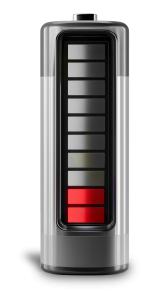
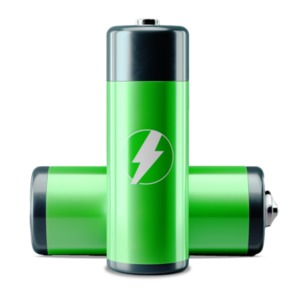
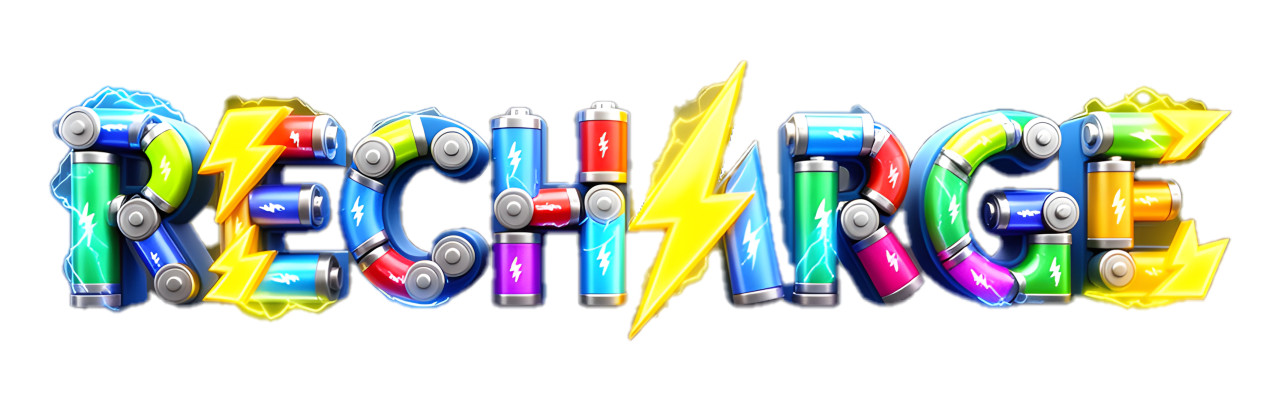
This vibrant RECHARGE clipart showcases the word spelled out with colorful batteries and bold lightning bolts, instantly symbolizing energy, power, and renewal. Bright hues of blue, green, red, and yellow give the design a dynamic, high-tech feel, making it an excellent choice for presentations focused on technology, energy conservation, personal motivation, or team burnout recovery. The electric motifs and glowing accents create a sense of momentum and fresh power.
Adding this presentation clipart to a slide in one of our PowerPoint templates helps you build a cohesive visual theme that grabs attention and reinforces your core message. For more visuals like this, browse our full Presentation Clipart library, or explore related tech themed designs in our Science and Technology Clipart collection.
The RECHARGE word built from batteries instantly communicates the emotional feeling of being drained versus powered back up. In a presentation, this visual helps viewers connect on a personal level with topics like burnout, renewed focus, or system upgrades. It works especially well as a section opener or key talking point, turning abstract ideas about energy, motivation, or technical capacity into a clear, memorable image that your audience can feel and relate to.
Incorporating this PNG presentation image into a slide in one of our PowerPoint templates can create a strong visual theme around power, resilience, and innovation. The mix of colorful batteries and lightning elements reinforces your key ideas about restoring energy, boosting performance, or powering the next phase of a project or strategy.
To insert this clipart into both PowerPoint and Google Slides, first download the PNG image with a transparent background. In PowerPoint, go to the “Insert” tab, select “Pictures,” and choose the downloaded file. In Google Slides, click “Insert,” then “Image,” and upload the PNG from your computer. The transparent background allows it to blend cleanly with any slide design, making it easy to use PNG images in PowerPoint and insert PNG images in Google Slides without distracting edges.
recharge, battery, energy, power, electric, innovation, vitality
Similar Templates and Designs
© 2009-2025 Eclipse Digital Imaging, Inc.
Quality PowerPoint Templates, Animations, videos, and 3D Clipart.
PowerPoint® is a registered trademark
of Microsoft Corporation.