Up to 50% OFF

Download the MP4 file from PresenterMedia. In PowerPoint, select the slide where you want the background, go to Insert → Video → This Device, and choose the video. Right-click the video, select Send to Back, and adjust size to fill the slide.
Yes. Upload the MP4 to your Google Drive. In Google Slides, choose Insert → Video → Google Drive and select your uploaded file. Resize it to fit the slide and choose playback options like autoplay or mute.
No. Although this video may be optimized to loop seamlessly you will need to select some options when inserted into PowerPoint. In PowerPoint, right-click the video, choose Playback settings, and check Loop until Stopped.
Yes, click the 'Modify this Video' button above to adjust the color, brightness, and saturation. In PowerPoint, select the video, go to Format → Corrections or Color, and adjust brightness, contrast, or apply a color filter to better match your presentation theme.
Yes. After inserting the video, go to the Playback tab in PowerPoint and select Start Automatically. In Google Slides, right-click the video and choose Format Options → Video Playback to set autoplay.
This video background may be included in our free section. We offer a limited selection of video backgrounds for free so you can try them and see if they fit your design workflow. Visit the video backgrounds page and find free video backgrounds marked with a green arrow in the top-right corner of each preview thumbnail.
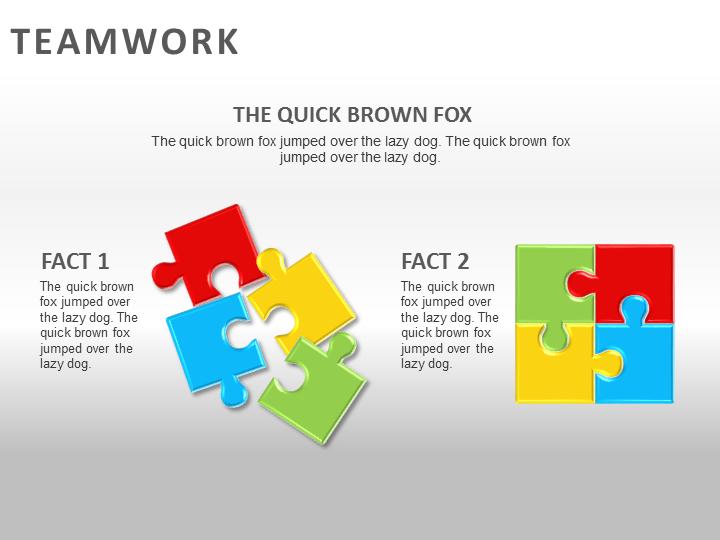
This business video background shows a powerful metaphor for teamwork: business professionals working together to assemble a giant puzzle wall. Some carry pieces, others climb ladders, while groups collaborate to fit sections into place. The imagery highlights the idea that progress and solutions are built step by step through shared effort. Its modern, artistic style makes it ideal for corporate presentations, leadership talks, or training sessions where collaboration and problem-solving are key themes.
Using this video background in your slides can instantly reinforce your message about teamwork, innovation, and shared achievement. It works especially well when paired with data, strategy outlines, or motivational content inside one of our PowerPoint templates. To explore more options for adding movement and depth to your slides, visit our full Video Backgrounds collection.
Because this video loops seamlessly, it can run quietly behind your content without distraction, while still adding motion and energy to your slides. The puzzle wall imagery makes your presentation relatable and memorable, reminding viewers that complex challenges are solved when people work together.
PowerPoint instructions: Download the MP4 video, open your presentation, and select "Insert" > "Video" to place it on your slide. Google Slides instructions: Upload the MP4 to Google Drive, then in your slide click "Insert," choose "Video," and select the file. With loop and autoplay enabled, this teamwork puzzle wall video background will bring a polished and professional feel to your next presentation.
business, people, teamwork, puzzle, wall, collaboration, group, building, corporate, working, ladder, solution, progress
Similar Templates and Designs
© 2009-2026 Eclipse Digital Imaging, Inc.
Quality PowerPoint Templates, Animations, videos, and 3D Clipart.
PowerPoint® is a registered trademark
of Microsoft Corporation.