

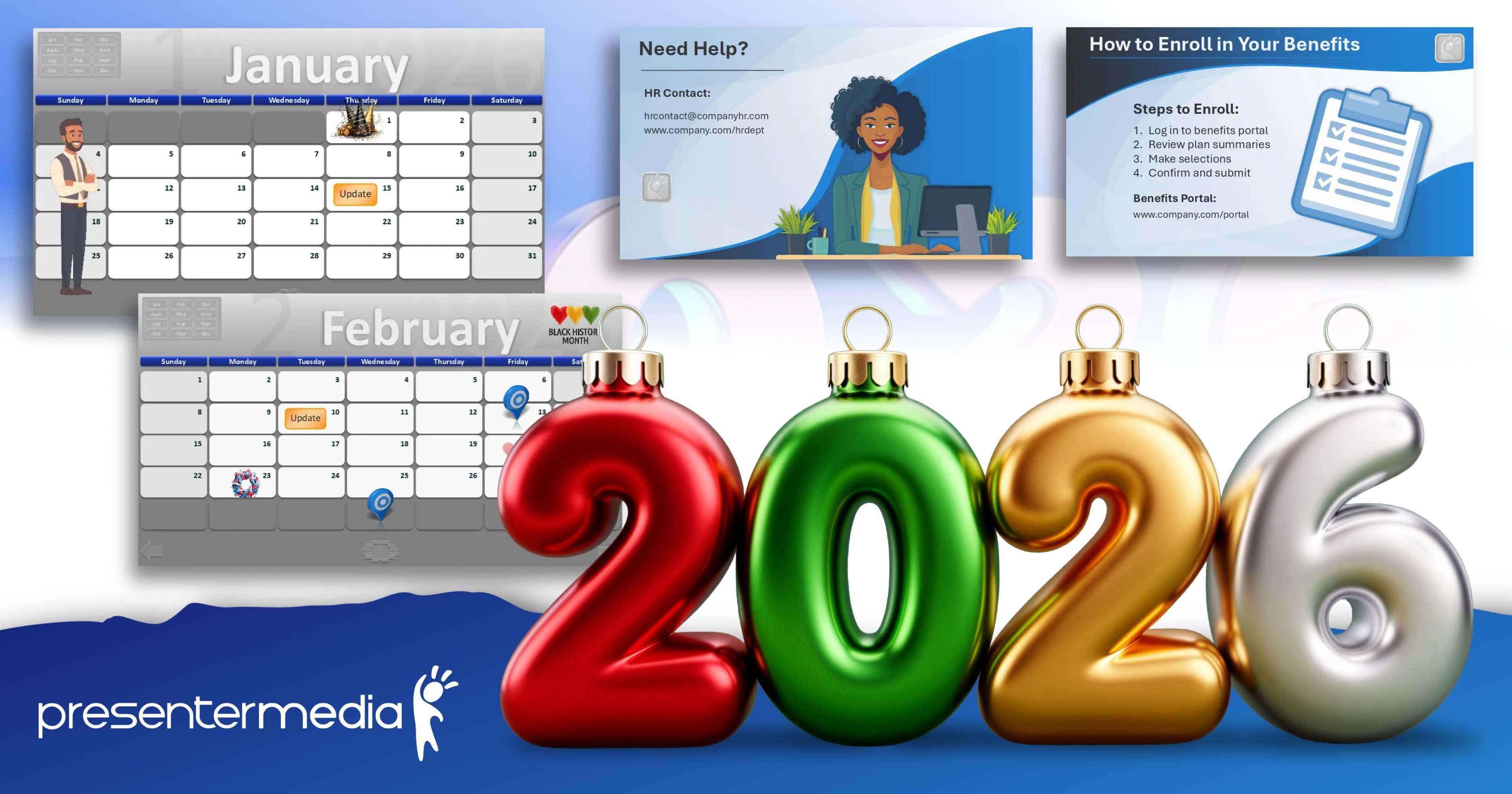
Fresh December Presentation Graphics and PowerPoint Tips
The holiday season is the perfect time to add festive creativity to your presentations. Whether you are wrapping up the year with your team or preparing lessons before the winter break, we have new customizable graphics and fresh designs to help your ideas shine.
This month brings seasonal graphics and updated templates designed to boost your creativity. You will also find a helpful Prompt Guide inside the AI Presentation Builder Wizard to make crafting professional slide instructions even easier.
🎄 New Holiday Graphics for Presentations
Bring seasonal energy to your slides with new clipart, animations, and templates crafted specifically for December presentations. These designs make it easy to add personality, warmth, and a professional touch to your work.

Impact Slides |

Action Slides |

🎓 PowerPoint Tip of the Month
Learn how to save a PowerPoint template as a slideshow and link it directly into your main presentation. This time-saving method keeps your main deck clean while giving you fast access to supporting slides.
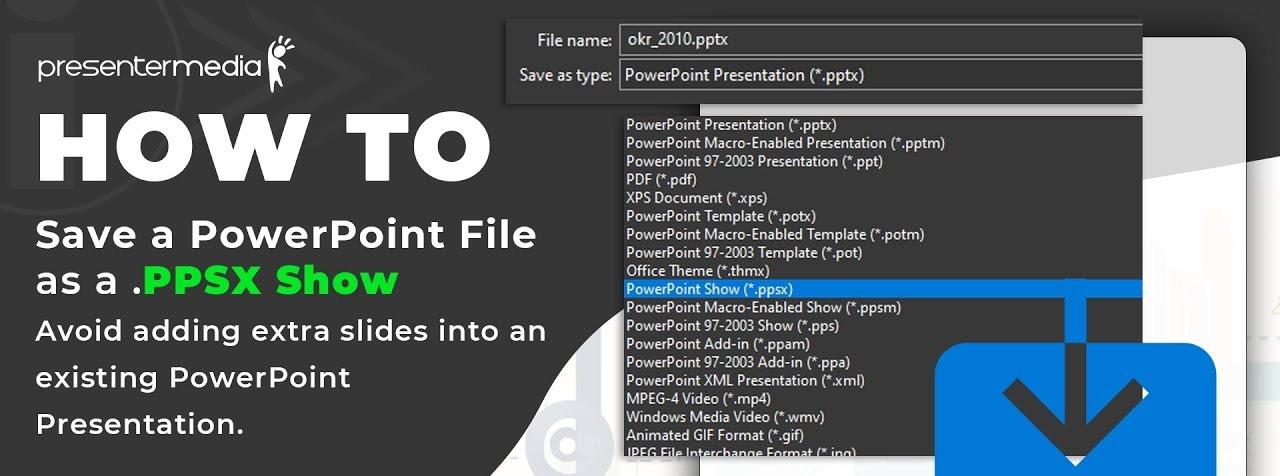
How to Save and Link a PowerPoint Slideshow
Follow this quick tutorial to link a .PPSX file directly into your core deck for smooth presenting.
If you haven't explored the AI Presentation Builder lately, now is a great time to jump back in. Choose your theme, select your slides, and use the new Prompt Guide for even better slide instructions.
Wishing you a creative and inspiring holiday season. We are excited to see what you build next.
Keep creating. Keep inspiring!

Judd and the PresenterMedia Team




